Bookings
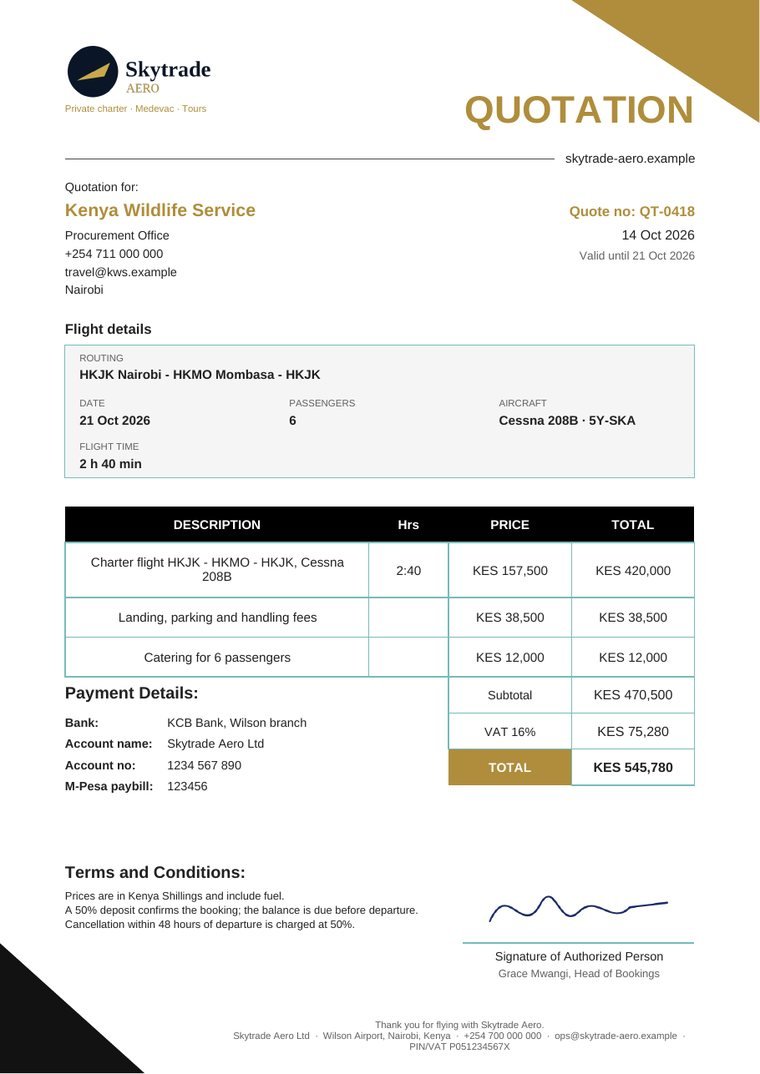
Quotation
The price offer before the flight: routing, aircraft, passengers, line items and tax, valid until a date you choose. Your client accepts it online.
Print · Save as PDF · Send for online acceptanceGenerate every document a flight needs from the mission itself - with your logo, your colours, your terms and your signature - then print it, save it as a PDF or send it for your client to accept online. The numbers carry over from one document to the next, so nothing is ever retyped.
Each document is made by the team that owns it and comes out as a clean A4 PDF - print it on any printer, save it, or send it.
The price offer before the flight: routing, aircraft, passengers, line items and tax, valid until a date you choose. Your client accepts it online.
Print · Save as PDF · Send for online acceptance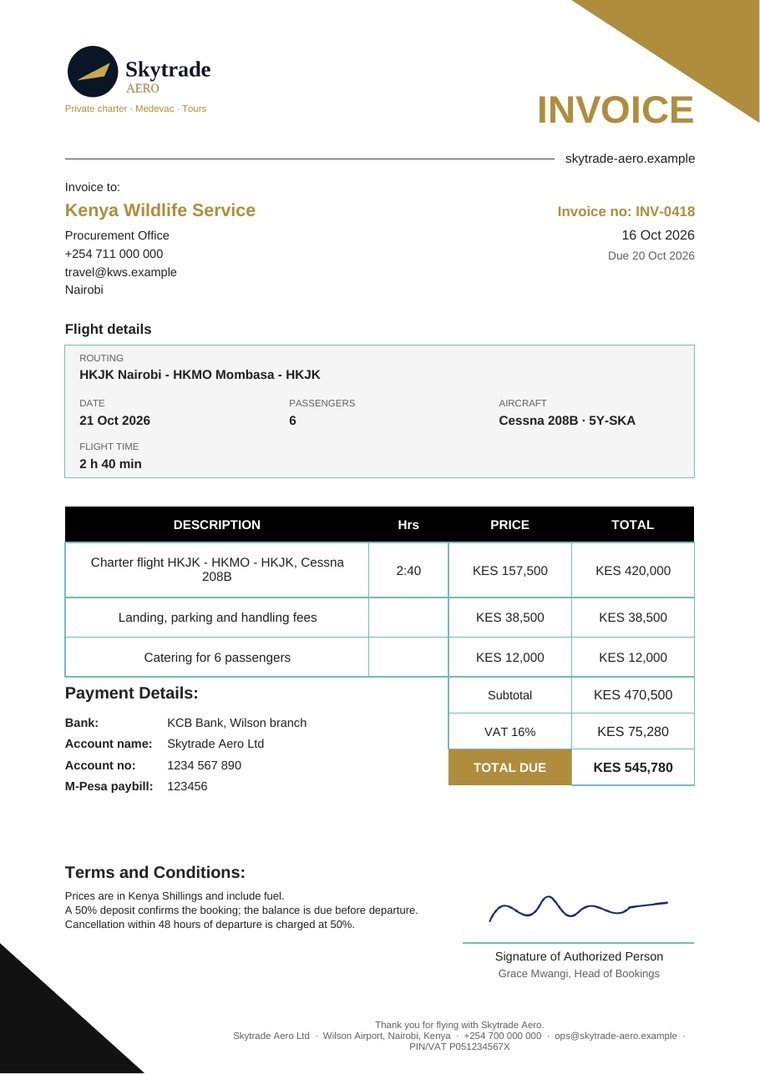
Built from the accepted quote - same lines, same numbers - with a due date and your bank and M-Pesa details.
Print · Save as PDF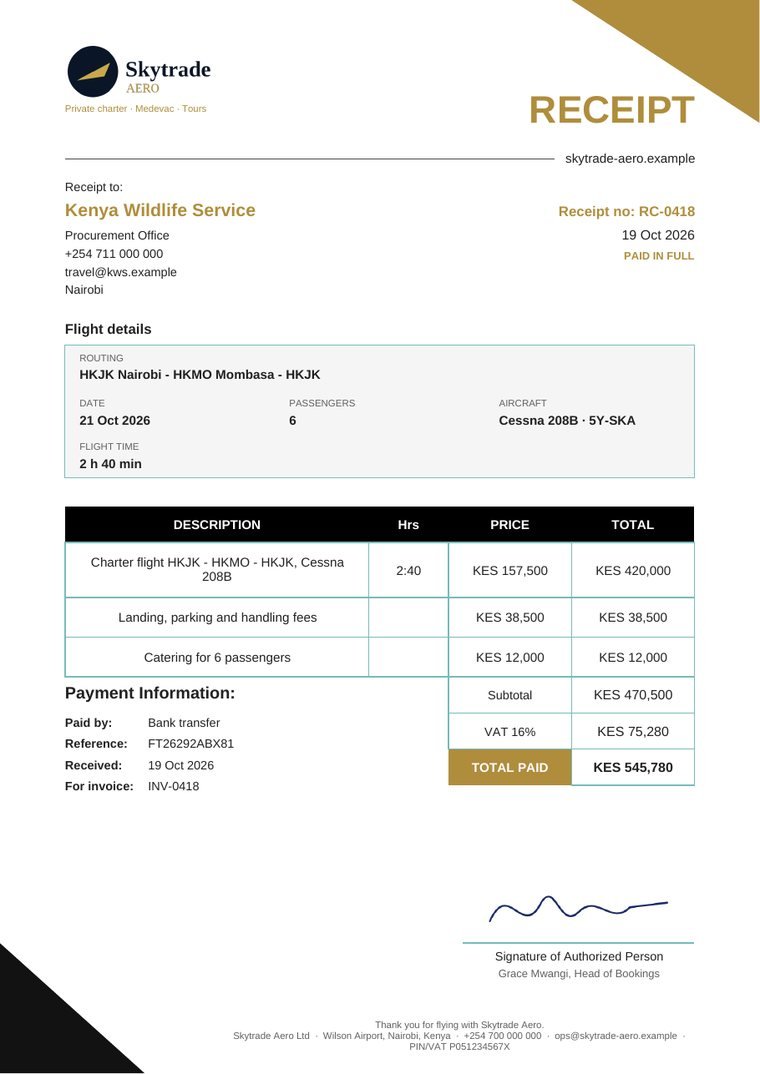
Proof of payment with the method, reference and the invoice it settles - issued once Finance has recorded the money.
Print · Save as PDFThe passenger's ticket for the flight, issued from the same mission so names, routing and times match the invoice.
Print · Save as PDF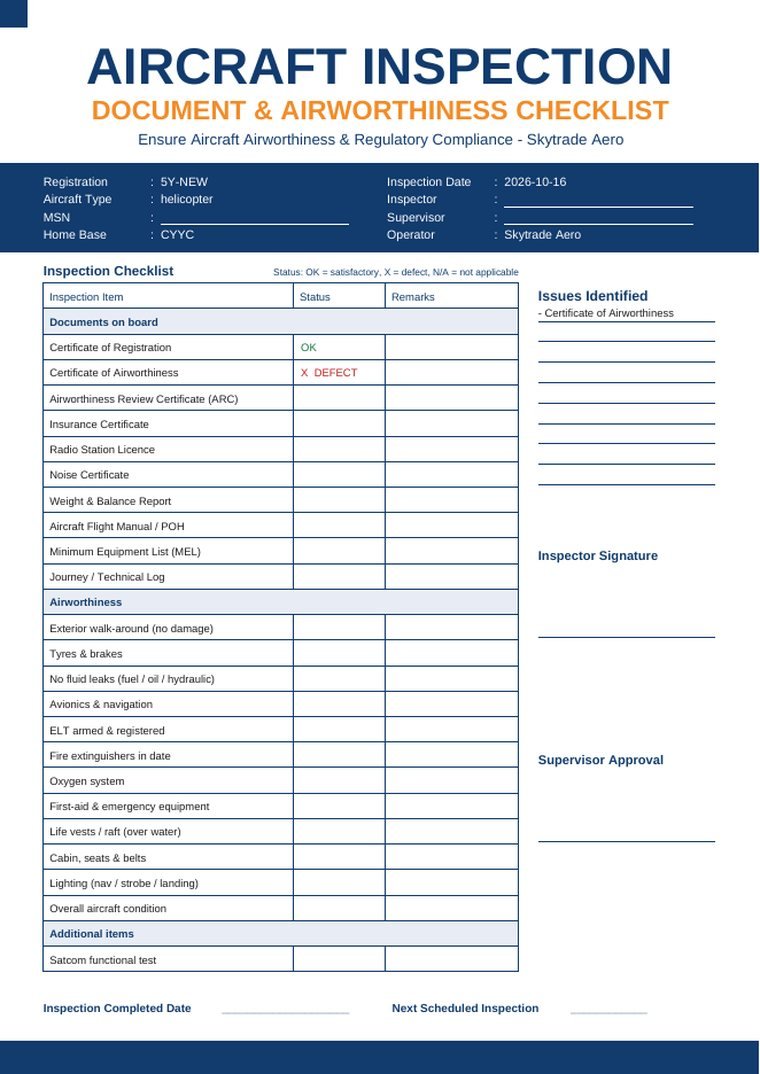
Aircraft inspection checklist, technical status and aircraft record - download blank to fill by hand, or fill online and print.
Print · Save as PDF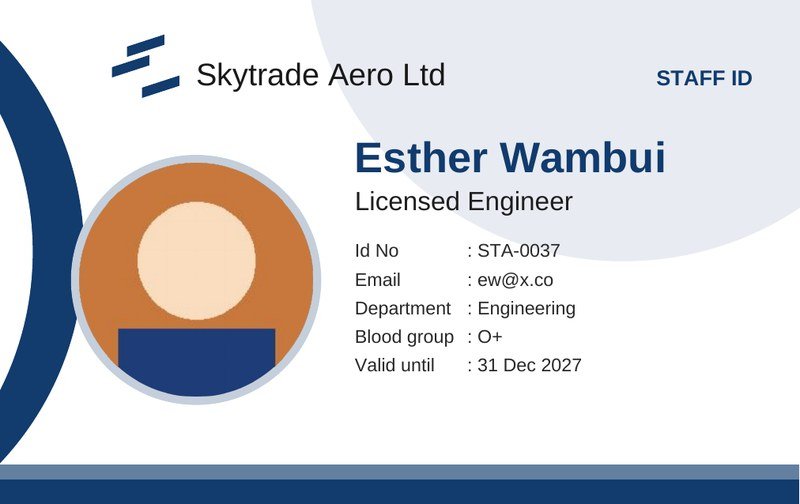
Front and back, with the photo, at standard card size - one card or the whole company in one print run.
Print · Save as PDFA document is built from the mission, and each fact comes from the team that owns it - so what the client sees always matches what was agreed.
An invoice made from a quote keeps the same line items, hours, rates and tax. A receipt points to the invoice it settles.
The price is the one Finance confirmed, the aircraft is the one Operations assigned, and a receipt waits for Finance to record the payment. A checklist on the form says what is still missing - and who needs to act.
Made a mistake? Void it and reissue - both versions stay on record, numbered in sequence. Nobody can quietly change a figure afterwards.
Send a secure link to a document that looks like your company sent it. The client accepts online, and you see it straight away.
Bookings sets it up once under Settings; every quote, invoice and receipt after that carries it automatically.
Print opens your browser's print window - pick the office printer, a card printer for ID cards, or save as PDF.
Documents are true A4 PDFs, not screenshots - the text can be searched and copied, and the files are small enough to email.
Every dashboard has Print page in its menu, so a roster, a board or a record can go to paper too.