
Tiers based on what you actually run.
How many regions, how big your team, whether you need the B2B network - that's what changes between tiers, not artificial feature switches. Exact numbers depend on your operation, so talk to us rather than guessing from a table.
Starter
A single base, getting off the ground.
- 1 region (your HQ)
- Every role's screen - Executive to Pilot
- Missions, fleet, crew & dispatch
- Safety & Compliance desk with Maintenance sign-off
- HR: people, documents, leave & ID cards
- B2B network - not included
Team
A growing operational team.
- 1 region (your HQ)
- Higher headcount per role
- Everything in Starter
- B2B network - not included
Fleet
Multiple bases, real partner relationships.
- Multiple regions
- HQ dashboard & escalations
- B2B network access included
- Everything in Team
Enterprise
Larger operations with their own security requirements.
- Everything in Fleet
- SAML SSO
- Data Processing Addendum
- Custom limits, discussed directly
The tier changes the size. Not the system.
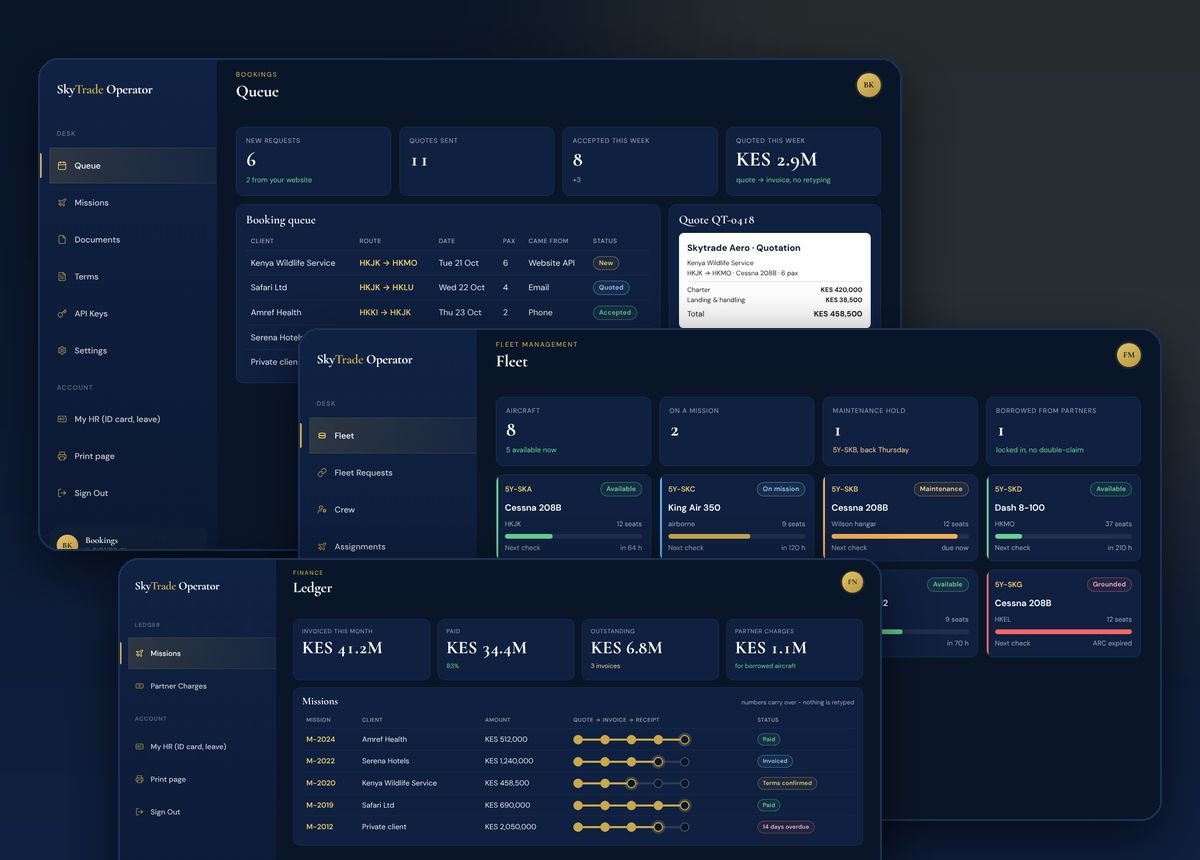
From Starter to Enterprise you get the same desks: bookings and quotes, the mission board, dispatch with weather and route checks, crew, fleet and maintenance, finance and HR. Larger tiers add more people, more aircraft and more regions.
- One record per flight - quote, mission, invoice and receipt stay linked.
- Your brand on every document you send.
- The Operator Network to borrow and lend aircraft.
Not bundled into a base tier. Priced on their own.
These two are genuinely separate add-ons, whichever tier you're on - not something you get "for free" once you upgrade.
Client Documents
Quote-to-receipt lifecycle, with sequential numbering and a client accept-via-link flow.
See Client Documents →API Access
Booking Intake and Client Documents APIs, for operators who want their own systems connected directly.
See API & Developers →